

Saved on this phone — only yours
My island file
The neighborhoods, CMA ranges and lots you save as you read, with what’s moved in the numbers since — kept in your browser, not on our servers, until you send it to Mike.
Last verified
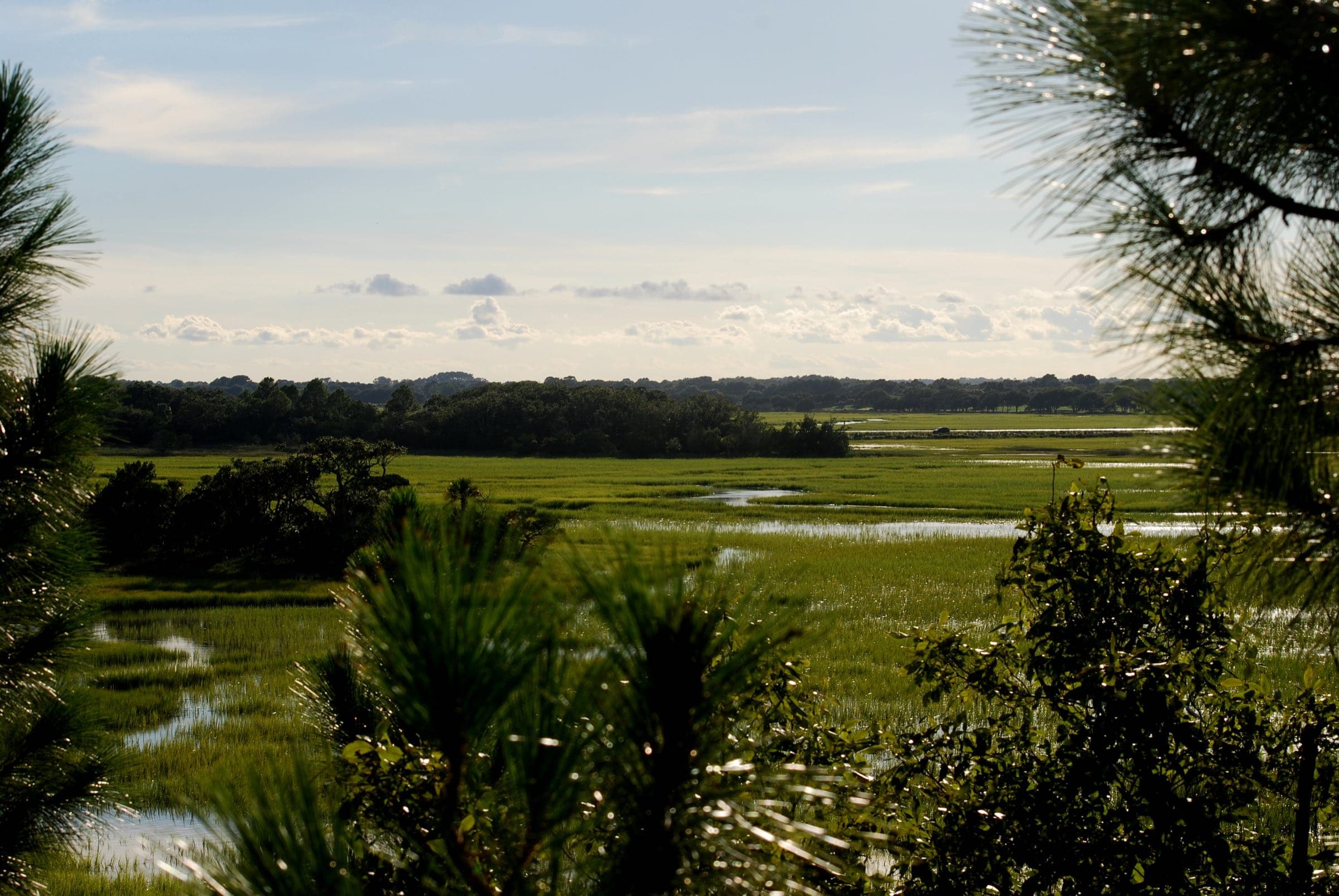
Photo: olekinderhook, CC BY 3.0, via Wikimedia Commons (resized)
Your island file
Opening your island file…
How it works
- It stays on this phone. The file is kept in this browser’s storage — no account, nothing on our servers. Clearing the browser’s data clears it, and a private window doesn’t keep it.
- It keeps up. Every month the MLS numbers are pulled and checked again; open the file and it tells you what moved for what you saved.
- It goes to Mike only when you send it. One button, your first name and email, and he answers himself.
- Put it on your home screen. On an iPhone: the Share button, then “Add to Home Screen.” On Android: the browser menu, then “Install app.” It opens without a connection once you’ve visited.
What you can save
- Any Kiawah neighborhood or Seabrook neighborhood — its record and its numbers.
- A living CMA range for your square feet — on either island page, any neighborhood or the seller’s page.
- Your lot — the flood zone, the ground’s height against the tide and what sold around it — under the islands map or either island’s price map.
Rather just talk?Book an Island Buyer CallAsk ValGet the island report


Live oaks on Kiawah
Photo: JulDer Wiki, CC BY 4.0, via Wikimedia Commons (resized)
Two ways in
Talk it through with Mike, or ask Val — the guide’s AI assistant, answering from this site’s sourced facts.